

Download HDO Box for PC
HDO Box does not have a native Windows or macOS version. To use it on a computer, you need:
- HDO Box APK file
- An Android emulator
Recommended emulators:
- BlueStacks
- Nox Player
- MEmu Play
Each emulator allows you to run Android apps directly on your PC.

System Requirements
Before installing, make sure your computer meets basic requirements:
Minimum:
- RAM: 4 GB
- Storage: 5 GB free space
- OS: Windows 7 / macOS equivalent or higher
Recommended:
- RAM: 8 GB+
- SSD storage
- Stable internet connection
Better hardware will improve playback quality and reduce lag.
Step-by-Step: Install HDO Box on PC
Step 1 – Install an Emulator
- Visit the official website of your chosen emulator
- BlueStacks
- MEmu Play
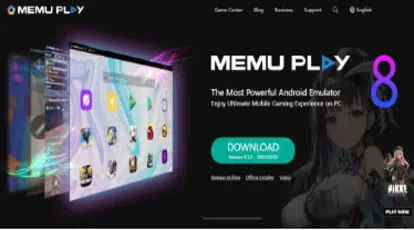
- Nox Player

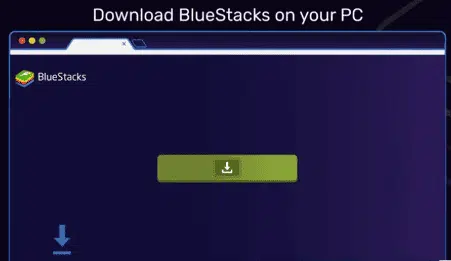
- Download and install the software
- Visit the official website of your chosen emulator.
- Download the installation file suitable for your operating system (Windows or Mac).
- Launch the emulator after installation
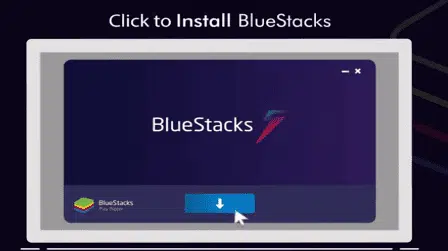
- Locate the downloaded file and double-click to start the installation process.
- Follow the on-screen instructions to complete the installation.
Step 2 – Set Up the Emulator
- Sign in with your Google account (if required)
- Allow necessary permissions
- Wait for the emulator to fully load

Step 3 – Download HDO Box APK
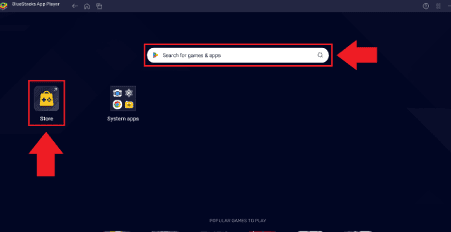
- Open a browser inside the emulator
- Type the address into the search bar: www.hdoboxplus.com
- Download the latest HDO Box APK
- Click on the link www.hdoboxplus.com to directly download the HDO Box APK file to your emulator.
Step 4 – Install the APK
- Locate the downloaded file
- Once downloaded, navigate to the download folder within your emulator.
- Double-click or drag it into the emulator
- Double-click on the APK file or drag it into the emulator interface.
- Follow any prompts that appear to complete the installation process.

- Follow the installation prompts
- After installation, find the HDO Box icon within your emulator’s home screen.
- Click on it to open and start enjoying your favorite movies and TV shows.
Note: You can also install HDO Box on iOS to watch online TV.
Step 5 – Launch the App
- Open HDO Box from the emulator home screen
- Complete initial setup
- Start streaming
Required Player for Playback
To play videos correctly, you need an external player:
Recommended: MediaOn Player
Install it inside the emulator just like HDO Box. Without it, streaming links may not work properly.




4 Comments
Good app
how are please can you make hdo box app that work in pc without emulator plz i try emulate are slow plz respond me
can u do a polish language please now polish isnt working please
everytime i try to watch something it says i have to update the drama player. it also says i have to grant permissions to hdo max but it says no permissions have been requested and i can’t click on it. i’ve tried everything, how do i get it to work?