Download HDO Box for Firestick
Since HDO Box is not available in the Amazon Appstore, it must be installed manually using a sideloading method.
You can download the latest version using:
- Downloader URL: hdoboxplus.com/tv
- Downloader Code: 9053583
Make sure you enter the code or URL correctly to avoid installation errors.
Before You Start (Required Setup)
Before installing the app, you need to allow your Firestick to install apps from unknown sources.
Enable Unknown Apps:
- Go to Settings
- Select My Fire TV
- Open Developer Options
- Enable Install Unknown Apps
- Turn ON permission for Downloader
This step is required for any third-party app installation on Firestick.
Step-by-Step: Install HDO Box on Firestick
For the latest version and full features, download the HDO Box APK for Android & Firestick here.
Follow these steps carefully:
Step 1 – Install Downloader
- Open Amazon Appstore
- Search for Downloader
- Install and launch the app
Install the Downloader App from the Amazon App Store and enable “Unknown Apps for Downloader” in Settings. Click on “Install” or Download to install the app.
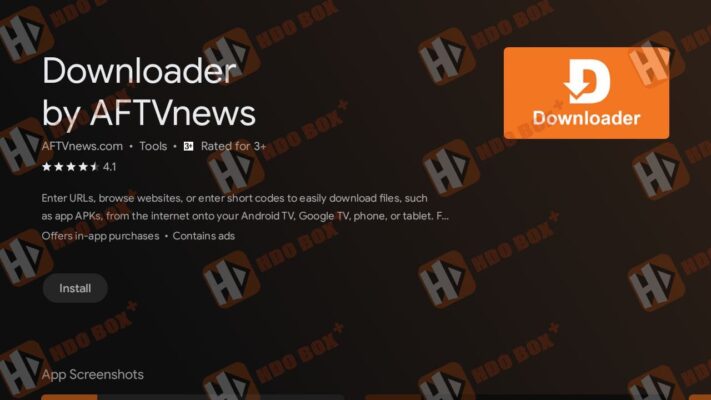
Step 2 – Enter Download Code
Once the Downloader app is installed, use it to download the HDO Box APK. Open Downloader and select the search box to enter a URL.
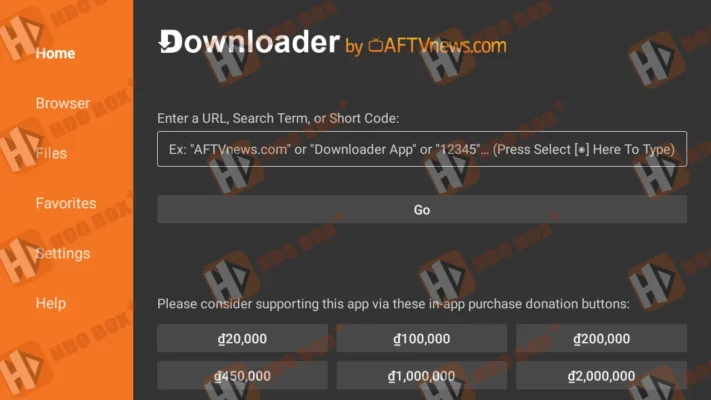
- Open Downloader
- Select the URL input field– hdoboxplus.com/tv and click Go.
- Enter:
- Download HDO Box on Firestick: 9053583
- Download Drama Player: 8543684
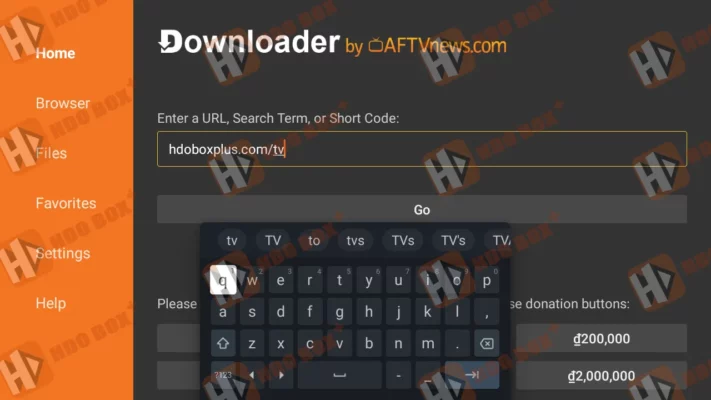
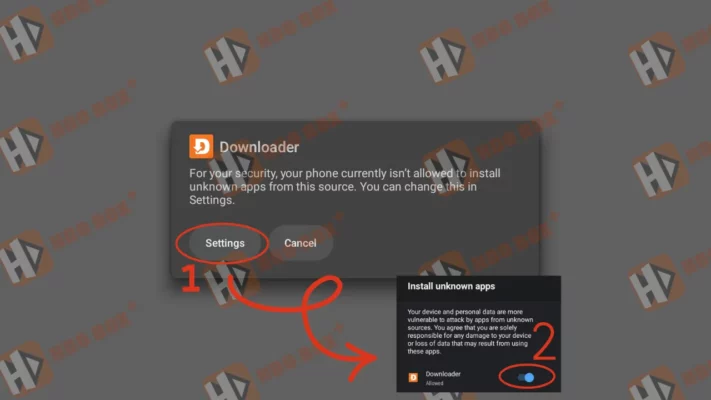
Note: If the “Install unknown apps” warning appears, select “Settings” and swipe right to grant “Allow” permission to the “Downloader” app.
Step 3 – Download APK
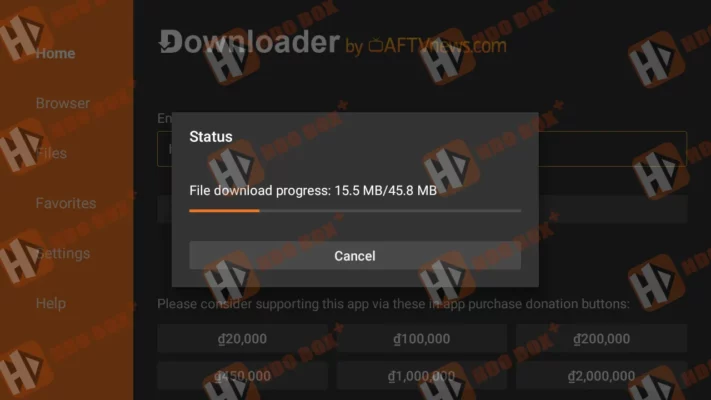
- Click “Go” to start the download.
- Wait for the file to download
- Do not close the app during this process
Step 4 – Install the App
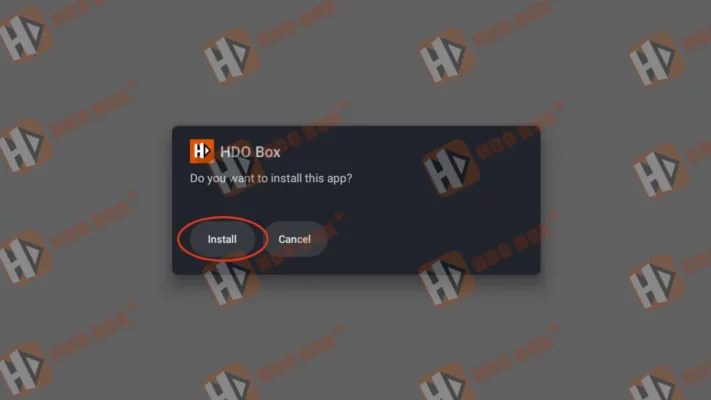
- Click Install when prompted
- Wait for installation to complete
Step 5 – Launch HDO Box
- Press the Home button on your Firestick remote.
- Navigate to Your Apps & Channels.
- Go to Apps & Channels
- Open HDO Box
- Complete initial setup
NOTE: Since HDO Box APK will be the latest download, it will appear last on the list. As such, you may be required to scroll to the See All button, click it, and then scroll to the end of the list. If you prefer using a computer, check our PC installation guide.

2 Comments
The hdo box of fire stick is not as good as mobile model the video player has issues also the option to change language isn’t working the movie is zoomed in top left corner for a movie the premium feel which I have in my mobile isn’t there
I LIKE HDO BOX APP